10 Phone System Features Every Medical Practice Needs
Essential phone system features for medical practices, from auto-attendants to call recording to after-hours handling.
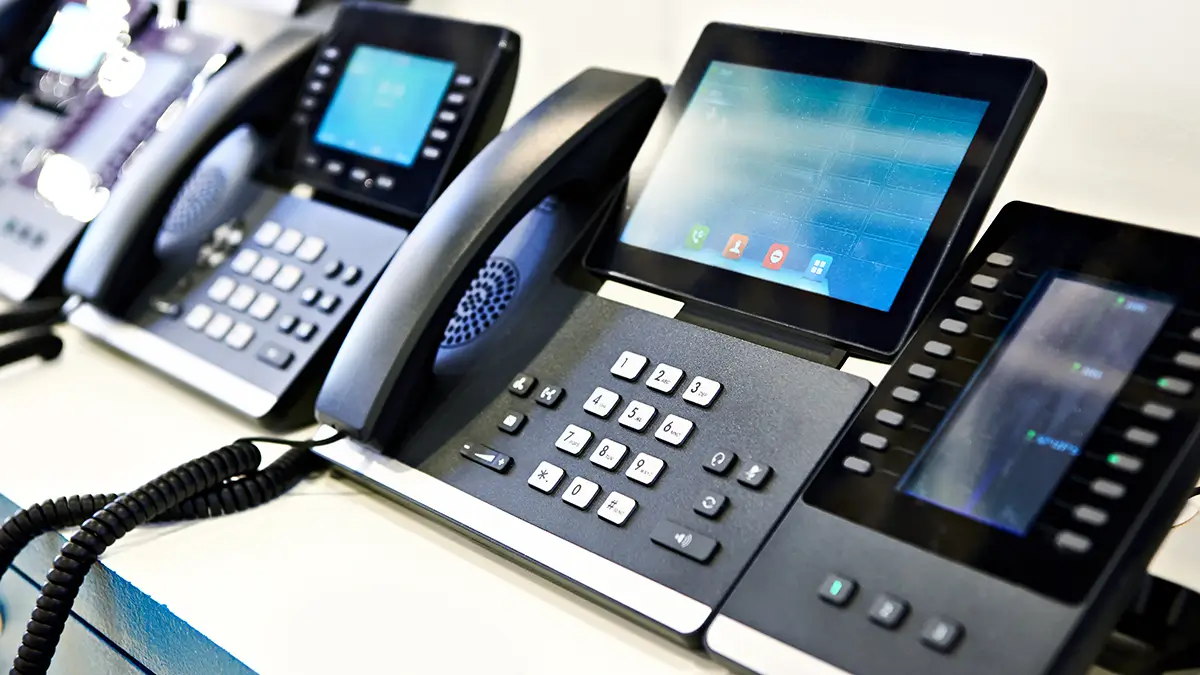
Your phone system isn’t just a utility—it’s a patient experience tool, an efficiency multiplier, and often the first impression people have of your practice.
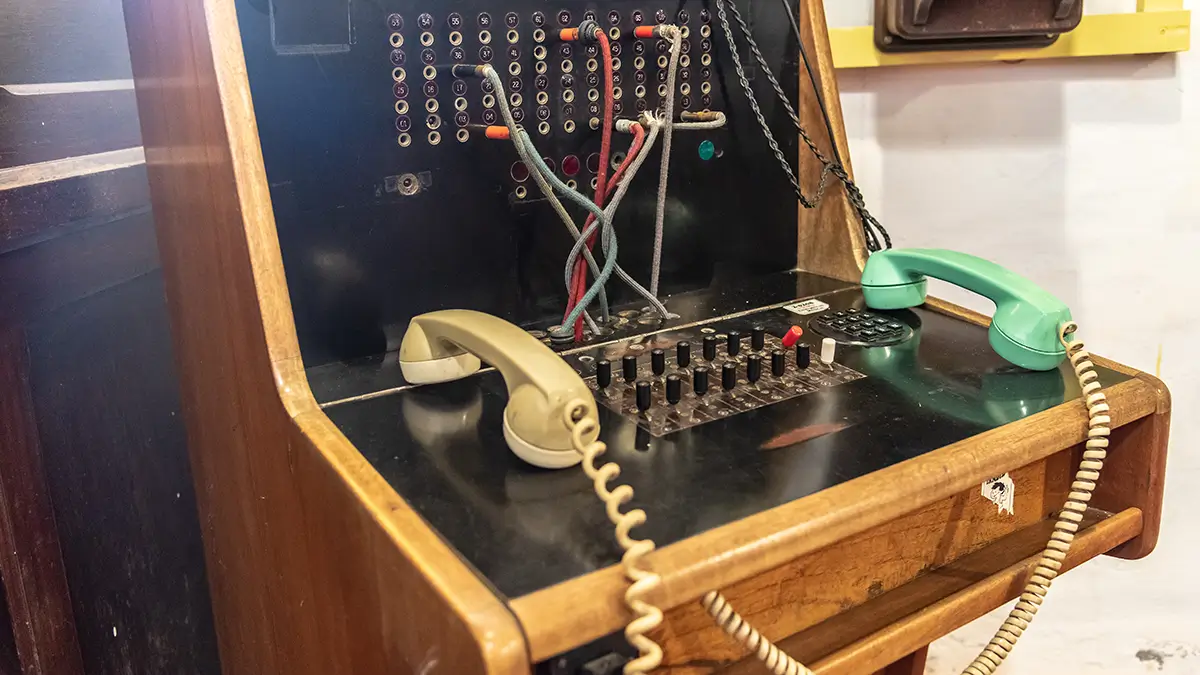
Yet many medical practices are running on phone systems that belong in a museum. Basic call handling, limited voicemail, no remote access—technology from the early 2000s serving 2025 patients.
Modern cloud phone systems offer features that can transform how your practice communicates. Here are the 10 features every medical practice should have—and why they matter.
1. Auto-Attendant (IVR)
What it is: An automated greeting that answers calls and routes them to the right person or department.
“Thank you for calling Main Street Medical. For appointments, press 1. For prescription refills, press 2. For billing questions, press 3. For a staff directory, press 4.”
Why medical practices need it:
- Reduces front desk burden: Not every call needs a human to answer and transfer.
- Faster routing: Patients get to the right person without being transferred multiple times.
- Professional impression: A well-designed auto-attendant signals an organized practice.
- After-hours handling: Direct urgent calls to on-call providers, non-urgent to voicemail.
Best practices:
- Keep menus short (no more than 4-5 options)
- Put the most common options first
- Always offer an option to reach a live person
- Update greetings for holidays, closures, and special announcements
2. Voicemail-to-Email
What it is: Voicemail messages automatically sent to email as audio files (and often transcribed to text).
Why medical practices need it:
- Check messages anywhere: No need to dial into voicemail from a specific phone.
- Faster response: See transcriptions instantly without listening to entire messages.
- Better documentation: Voicemails become searchable records.
- Share easily: Forward important voicemails to relevant staff.
HIPAA consideration: Ensure your VoIP provider encrypts voicemail-to-email transmissions and has signed a BAA. Voicemails often contain PHI.
Pro tip: Set up voicemail-to-email for each user, but also for shared mailboxes (appointments, billing, nurse line) so multiple staff can monitor.
3. Call Recording
What it is: Automatic or on-demand recording of phone calls.
Why medical practices need it:
- Training: Review calls to improve staff communication skills.
- Quality assurance: Ensure patients receive consistent information.
- Documentation: Record of what was discussed (useful for disputes or clarification).
- Compliance: Some situations may require recorded consent or instructions.
HIPAA consideration: Call recordings containing PHI must be stored securely, encrypted, access-controlled, and covered by your BAA with the provider. Implement a retention policy—don’t keep recordings forever.
Legal note: Recording consent laws vary by state. Some states require all parties to consent. Configure your system appropriately and use announcements like “This call may be recorded for quality and training purposes.”
Learn more about VoIP features
4. After-Hours Routing
What it is: Automatic call handling that changes based on time of day, directing calls differently outside office hours.
Why medical practices need it:
- Patient access: Urgent calls reach the on-call provider. Non-urgent calls don’t wake anyone up.
- Staff boundaries: Clear separation between work hours and personal time.
- Professional image: Even at 2 AM, patients get a professional response, not endless ringing.
Typical after-hours setup:
- During business hours: Normal routing to front desk or auto-attendant
- After hours: Message explaining hours, option for urgent vs. non-urgent
- Urgent calls: Route to on-call provider’s cell phone
- Non-urgent: Send to voicemail with next-day callback promise
Advanced option: “Follow me” routing that tries multiple numbers in sequence (office → cell → backup) before going to voicemail.
5. Mobile App Integration
What it is: A smartphone app that lets you make and receive calls using your office phone number from anywhere.
Why medical practices need it:
- Work from anywhere: Providers can take calls from home, the hospital, or on the go.
- Protect personal numbers: Use the office number for callbacks without giving out your cell.
- Never miss important calls: On-call providers stay connected without being tethered to the office.
- Text messaging: Many apps support SMS from your office number (great for appointment confirmations).
How it works: The app uses your phone’s internet connection to place calls through your VoIP system. The person you call sees your office number on their caller ID. Incoming calls to your extension ring on the app.
Privacy benefit: Providers can return patient calls without revealing personal cell numbers. When the call ends, there’s no direct connection to their personal phone.
6. Call Analytics and Reporting
What it is: Data about your call activity—volume, duration, answer rates, peak times, and more.
Why medical practices need it:
- Staffing decisions: Know when call volume peaks to schedule accordingly.
- Performance tracking: Monitor hold times, abandoned calls, and answer rates.
- Identify problems: High abandoned call rates? Long hold times? Data reveals issues.
- Capacity planning: Understand if you need more lines or staff.
Key metrics to track:
- Call volume by hour/day: When are you busiest?
- Average hold time: How long do patients wait?
- Abandoned call rate: How many callers hang up before reaching someone?
- First call resolution: Are issues resolved or do patients call back repeatedly?
- Average call duration: Baseline for efficiency.
Actionable insight example: If call volume spikes Monday mornings and abandoned rates are high, you might need more staff coverage or an auto-attendant option for routine requests.
7. On-Hold Music and Messaging
What it is: What callers hear while waiting—music, messages, or both.
Why medical practices need it:
- Perception of wait time: Callers perceive silence as longer waits. Audio helps.
- Marketing opportunity: Promote services, share health tips, mention patient portal.
- Professional image: Custom audio sounds more professional than generic music or silence.
Content ideas for on-hold messages:
- Patient portal enrollment instructions
- New services or providers
- Seasonal health reminders (flu shots, wellness visits)
- Hours and location information
- Website and online scheduling promotion
Best practice: Keep messages short (15-30 seconds each), rotate content quarterly, and ensure audio quality is professional.
8. Multi-Location Support
What it is: A unified phone system across multiple offices that works as one system.
Why medical practices need it:
- Single number: Patients call one number regardless of location.
- Flexible routing: Route calls based on location, availability, or specialty.
- Unified directory: Transfer calls between locations seamlessly.
- Centralized management: Administer all locations from one interface.
- Cost efficiency: One system, one bill, one vendor.
Example scenario: Patient calls main number. Auto-attendant asks for zip code. Call routes to nearest office. If that location is busy, call can overflow to another office or central scheduling.
For multi-specialty groups: Route by specialty, not just location. “For cardiology, press 1” routes to cardiologists at any location.
9. CRM/EHR Integration
What it is: Connection between your phone system and practice management software or EHR.
Why medical practices need it:
- Caller ID with context: When a patient calls, their chart or account pops up automatically.
- Click-to-call: Click a phone number in your EHR to dial automatically.
- Call logging: Phone activity automatically documented in patient records.
- Efficiency: No manual lookup. Staff immediately know who’s calling.
Integration depth varies:
- Basic: Caller ID shows patient name from database lookup.
- Intermediate: Screen pop with patient details, click-to-dial from EHR.
- Advanced: Full call logging, automated post-call documentation, task creation.
Reality check: Deep integration depends on your specific EHR and phone system. Not all systems integrate well. Ask vendors about your specific software before assuming integration is available.
10. Video Conferencing
What it is: Built-in video calling capability for telehealth and internal meetings.
Why medical practices need it:
- Telehealth: Conduct video visits without separate software (though dedicated telehealth platforms may offer more features).
- Staff meetings: Connect providers across locations without travel.
- Specialist consultations: Quick video consult between providers about a patient.
- Flexibility: One unified communications platform for voice and video.
HIPAA consideration: Video conferencing for patient care must be HIPAA-compliant. Ensure your provider offers encrypted, compliant video and includes it in their BAA.
Limitation: While built-in video is convenient, dedicated telehealth platforms often provide better functionality for patient visits (scheduling, waiting rooms, intake forms, documentation). Built-in video works best for provider-to-provider communication.
Learn about VoIP phone systems
Bonus Features Worth Considering
Beyond the essential 10, these features add value for some practices:
Call Queuing
Manage high call volumes by placing callers in a queue with position announcements. Better than busy signals or endless ringing.
Presence Indicators
See at a glance who’s available, on a call, or away. Helps with efficient call transfers.
Ring Groups
Multiple phones ring simultaneously for incoming calls. First to answer takes the call. Great for scheduling or nurse lines where any available person can help.
Intercom/Paging
Broadcast announcements to all phones or specific groups. “Dr. Smith, please call the front desk.”
Fax Integration
Send and receive faxes through the phone system. One platform, one bill.
Learn about healthcare fax solutions
Text Messaging (SMS)
Send and receive text messages from your office number. Appointment reminders, prescription ready notifications, quick patient questions.
Evaluating Your Current System
How does your current phone system stack up? Score yourself:
| Feature | Have It | Don’t Have It |
|---|---|---|
| Auto-attendant | □ | □ |
| Voicemail-to-email | □ | □ |
| Call recording | □ | □ |
| After-hours routing | □ | □ |
| Mobile app | □ | □ |
| Call analytics | □ | □ |
| On-hold messaging | □ | □ |
| Multi-location support | □ | □ |
| CRM/EHR integration | □ | □ |
| Video conferencing | □ | □ |
Scoring:
- 8-10 features: You’re in good shape
- 5-7 features: Room for improvement
- 0-4 features: Time to upgrade
The Cost of Missing Features
It’s not just about having nice features—missing them has real costs:
Without auto-attendant: Staff spends time answering and transferring calls that could be self-routed.
Without voicemail-to-email: Messages get checked late (or not at all). Patient callbacks are delayed.
Without after-hours routing: On-call providers miss urgent calls, or get woken for non-urgent issues.
Without mobile app: Providers can’t work flexibly. Personal numbers get shared. Call-backs are delayed.
Without analytics: You can’t optimize what you don’t measure. Staffing decisions are guesses.
Modern VoIP systems include most or all of these features at standard pricing—often less than practices pay for basic traditional phone service.
Ready to Upgrade Your Phone System?
At MedTech Consulting, we help medical practices evaluate their current systems and implement modern VoIP solutions with all the features you need.
Contact us for a free phone system assessment.
Related reading: VoIP Phone Systems for Medical Practices | VoIP vs. Traditional Phones | VoIP Hardware Options