HIPAA-Compliant Fax Solutions for Medical Practices: Your Options Explained
An overview of HIPAA-compliant fax options for medical practices, from cloud fax to email solutions to keeping your existing fax machine.
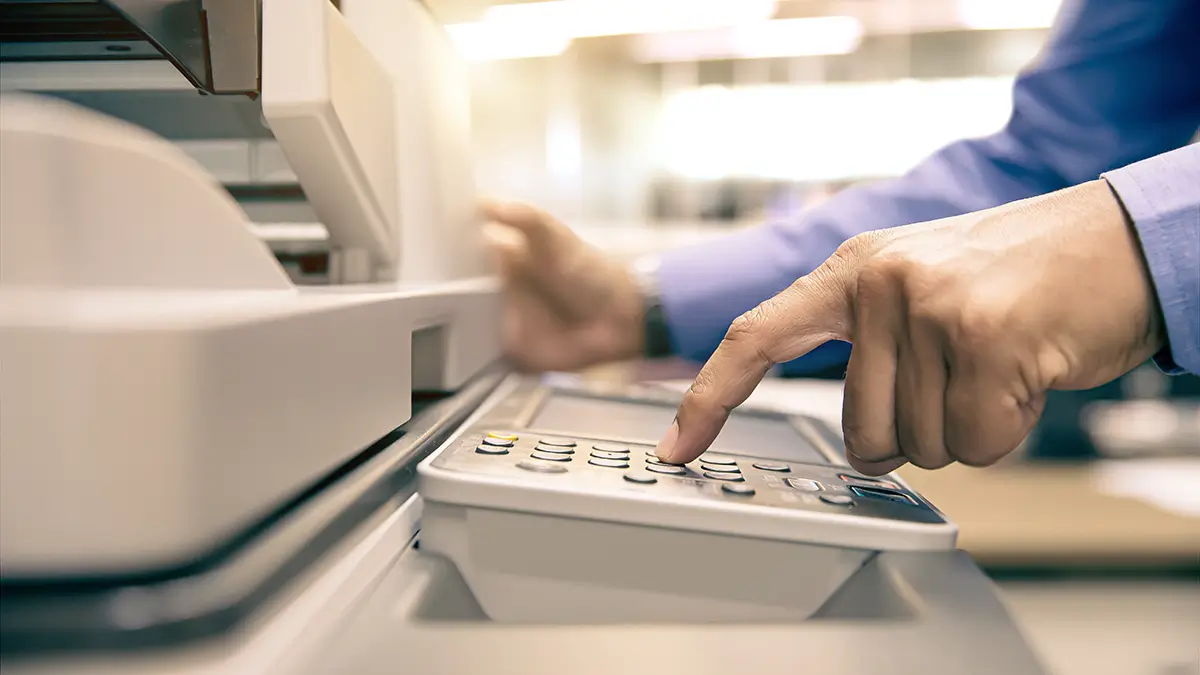
It’s 2025, and healthcare still runs on fax.
This isn’t a failure of innovation—it’s a reality of how healthcare communicates. Referrals, lab results, prescriptions, prior authorizations, medical records—fax remains the universal language that every practice, hospital, pharmacy, and insurance company speaks.
But that doesn’t mean you need to keep that clunky fax machine humming in the corner, eating through toner and paper while occasionally jamming at the worst possible moment.
Modern fax solutions can make your workflow more efficient while maintaining—and often improving—HIPAA compliance. Here’s what you need to know about your options.
Why Healthcare Still Depends on Fax
Before exploring solutions, let’s acknowledge why fax persists:
Universal compatibility: Every medical organization has a fax number. Not everyone has secure email or uses the same EHR system.
Legal acceptance: Faxed documents are widely accepted as legally valid, including for prescriptions and authorizations.
Perceived security: Unlike email, fax transmissions don’t sit on servers waiting to be intercepted. Traditional fax is point-to-point.
Workflow integration: Decades of healthcare workflows are built around fax. Changing everything at once isn’t practical.
Regulatory comfort: Regulators and auditors understand fax. Newer technologies sometimes raise questions.
The goal isn’t to eliminate fax—it’s to make fax work better for your practice.
HIPAA Requirements for Fax
HIPAA doesn’t prohibit fax. In fact, traditional fax is generally considered HIPAA-compliant because transmissions are point-to-point without intermediate storage.
But HIPAA does require:
Transmission Security
Protected health information (PHI) must be protected during transmission. Traditional fax over phone lines is inherently secure. Electronic fax (fax-to-email, cloud fax) must use encryption.
Access Controls
Only authorized personnel should be able to access incoming faxes containing PHI. With a physical fax machine in a common area, this is actually harder to control than with electronic fax systems that deliver to specific inboxes.
Audit Trails
You should be able to demonstrate who sent what, when, and to whom. Electronic fax systems provide better audit trails than traditional machines.
Business Associate Agreements
If you use a third-party fax service (cloud fax, fax-to-email), that provider has access to your PHI. They must sign a Business Associate Agreement (BAA) accepting HIPAA obligations.
Document Retention
Faxes containing PHI must be retained according to your retention policy and disposed of properly. Paper faxes require physical security and shredding. Electronic faxes require secure storage and deletion protocols.
Option 1: Fax-to-Email Services
The most popular modern solution: incoming faxes arrive as email attachments, and you send faxes by emailing documents to a fax number.
How It Works
- You get a dedicated fax number (or port your existing number)
- Incoming faxes are received by the cloud service
- The service converts them to PDF and emails them to designated recipients
- To send a fax, you email a PDF to [faxnumber]@provider.com
- The service converts it back to fax format and transmits
Advantages
Convenience: Faxes arrive in your email inbox. No walking to the fax machine, no paper jams, no busy signals.
Accessibility: Check faxes from anywhere—office, home, mobile device.
Organization: Faxes are automatically organized and searchable. No more digging through paper stacks.
Reduced costs: No dedicated phone line, no toner, no paper, no maintenance.
Better audit trail: Every fax is logged with timestamps and delivery confirmation.
HIPAA Considerations
Not all fax-to-email services are HIPAA-compliant. You need:
- Encryption in transit: Faxes must be encrypted when transmitted via email
- Encryption at rest: Stored faxes must be encrypted on the provider’s servers
- Business Associate Agreement: The provider must sign a BAA
- Access controls: You need to control who receives fax emails
- U.S.-based storage: PHI should be stored on U.S. servers
Warning: Consumer services like free internet fax or basic email-to-fax may not be HIPAA-compliant. Always verify compliance and get a signed BAA.
Best For
- Practices that want to eliminate the fax machine entirely
- Staff who work remotely or across multiple locations
- High-volume fax users who need better organization
- Practices integrating fax into digital workflows
Option 2: Web Portal Solutions
Similar to fax-to-email, but faxes are accessed through a secure web portal rather than email delivery.
How It Works
- You get a dedicated fax number
- Incoming faxes are received and stored in your secure cloud account
- You log into a web portal to view, download, and manage faxes
- Outgoing faxes are uploaded through the portal and transmitted
Advantages
Enhanced security: Faxes aren’t transmitted via email, eliminating email security concerns.
Centralized management: All faxes in one place with advanced organization tools.
Better for compliance: Easier to demonstrate access controls and audit trails.
Team features: Multiple users can access faxes with different permission levels.
HIPAA Considerations
Web portal solutions often offer stronger HIPAA compliance out of the box:
- Direct secure access (no email transmission)
- Role-based access controls
- Comprehensive audit logging
- Built-in retention and deletion tools
Still requires a signed BAA with the provider.
Best For
- Practices with strict compliance requirements
- Organizations that want centralized fax management
- Multi-location practices needing shared fax access
- Practices concerned about email security
Option 3: ATA Adapters (Keep Your Fax Machine)
If you have a working fax machine and workflows built around it, you don’t have to abandon it entirely. An ATA (Analog Telephone Adapter) lets your fax machine work over your internet connection instead of a dedicated phone line.
How It Works
- An ATA device connects to your internet router
- Your fax machine plugs into the ATA instead of a phone jack
- Faxes transmit over the internet but your fax machine works as it always has
- You keep the same fax number (ported to the VoIP service)
Advantages
Familiar workflow: Staff continue using the fax machine they know.
Lower transition cost: No retraining, no workflow changes.
Eliminate phone line: No more dedicated fax line charges ($30-50/month saved).
Preserve existing number: Your fax number stays the same.
HIPAA Considerations
With an ATA adapter, HIPAA compliance is similar to traditional fax:
- Transmission is point-to-point
- Physical security of the fax machine matters
- Paper documents must be secured
- Minimal third-party involvement (just the VoIP carrier, which should sign a BAA)
The main compliance consideration is ensuring the VoIP service provides reliable fax transmission—not all VoIP services handle fax well.
Best For
- Practices not ready for workflow change
- Low fax volume (physical machine is sufficient)
- Situations where staff prefer physical documents
- Transition step toward full digital fax later
Option 4: EHR-Integrated Fax
Some electronic health record systems include built-in fax capabilities or integrate with specific fax services.
How It Works
- Faxes are sent and received directly within your EHR
- Incoming faxes can be attached directly to patient charts
- Outgoing faxes pull from chart documents automatically
- All fax activity is logged within the EHR
Advantages
Workflow integration: Faxes are part of the patient record, not a separate system.
Reduced manual work: Less scanning, filing, and searching for faxed documents.
Automatic documentation: Fax activity is part of the medical record.
HIPAA Considerations
If fax is handled within your EHR, it’s covered under your existing BAA with the EHR vendor. But verify:
- How are faxes transmitted? (Should be encrypted)
- Are faxes stored within the EHR or a separate service?
- Is there a separate BAA required for the fax component?
Best For
- Practices heavily invested in their EHR
- Organizations wanting maximum workflow integration
- Situations where the EHR’s fax feature meets needs
Limitations
- Not all EHRs have robust fax features
- May cost extra
- Quality varies significantly between vendors
Choosing the Right Solution
Consider these factors:
Fax Volume
Low volume (a few faxes/day): ATA adapter or basic fax-to-email may suffice.
Medium volume (10-50/day): Fax-to-email or web portal for better organization.
High volume (50+/day): Web portal with advanced features, or EHR integration.
Workflow Preferences
Paper-based workflows: ATA adapter preserves current processes.
Digital-first: Fax-to-email or web portal integrates with digital workflows.
EHR-centric: EHR-integrated fax if available and capable.
Compliance Comfort
Standard compliance needs: Any HIPAA-compliant option works.
Enhanced compliance needs: Web portal offers more control and documentation.
Budget
Lowest cost: ATA adapter ($15-25/month for service, one-time adapter cost).
Mid-range: Fax-to-email or web portal ($15-50/month depending on volume).
Premium: EHR-integrated (varies, often included or extra per-user fees).
Implementation Considerations
Number Porting
Your fax number can almost always transfer to a new service. This process takes 1-3 weeks but doesn’t cause downtime—the number continues working until the moment it transfers.
Testing Before Cutover
Before going fully live:
- Send test faxes to yourself and key recipients
- Verify fax quality (especially for documents with small text)
- Confirm incoming faxes arrive correctly
- Test any workflow automations (email routing, EHR integration)
Staff Training
Even simple changes require communication:
- How to access incoming faxes
- How to send faxes (new process)
- Where faxes are stored/filed
- Troubleshooting common issues
Maintaining a Backup
Consider keeping a basic backup option for the first few months:
- A low-cost fax line as fallback
- Manual fax via a local print shop for emergencies
- Alternative fax number for redundancy
Common Mistakes to Avoid
Using non-compliant services: That free internet fax service? Probably not HIPAA-compliant. Always verify and get a BAA.
Not testing fax quality: Some VoIP services struggle with fax. Test thoroughly before relying on it.
Forgetting about incoming fax notifications: If faxes go to email, make sure someone is checking. A missed referral fax is a problem.
Ignoring audit requirements: Keep records of fax transmissions for compliance documentation.
Overcomplicating: If you fax occasionally, a simple solution is fine. Don’t over-engineer.
Questions to Ask Fax Service Providers
- Will you sign a HIPAA Business Associate Agreement?
- How are faxes encrypted in transit and at rest?
- Where are faxes stored? (U.S.-based?)
- How long are faxes retained?
- What’s the fax transmission success rate?
- Can I port my existing fax number?
- What happens if transmission fails?
- What audit logging is available?
- How do you handle large documents?
- What’s your uptime guarantee?
Ready to Modernize Your Fax Setup?
At MedTech Consulting, we help medical practices evaluate and implement HIPAA-compliant fax solutions. Whether you want to eliminate the fax machine entirely or simply reduce costs, we can guide you to the right solution.
Contact us for a free consultation about your fax needs.
Related reading: Healthcare Fax Services | VoIP Phone Systems | Cybersecurity for Medical Practices